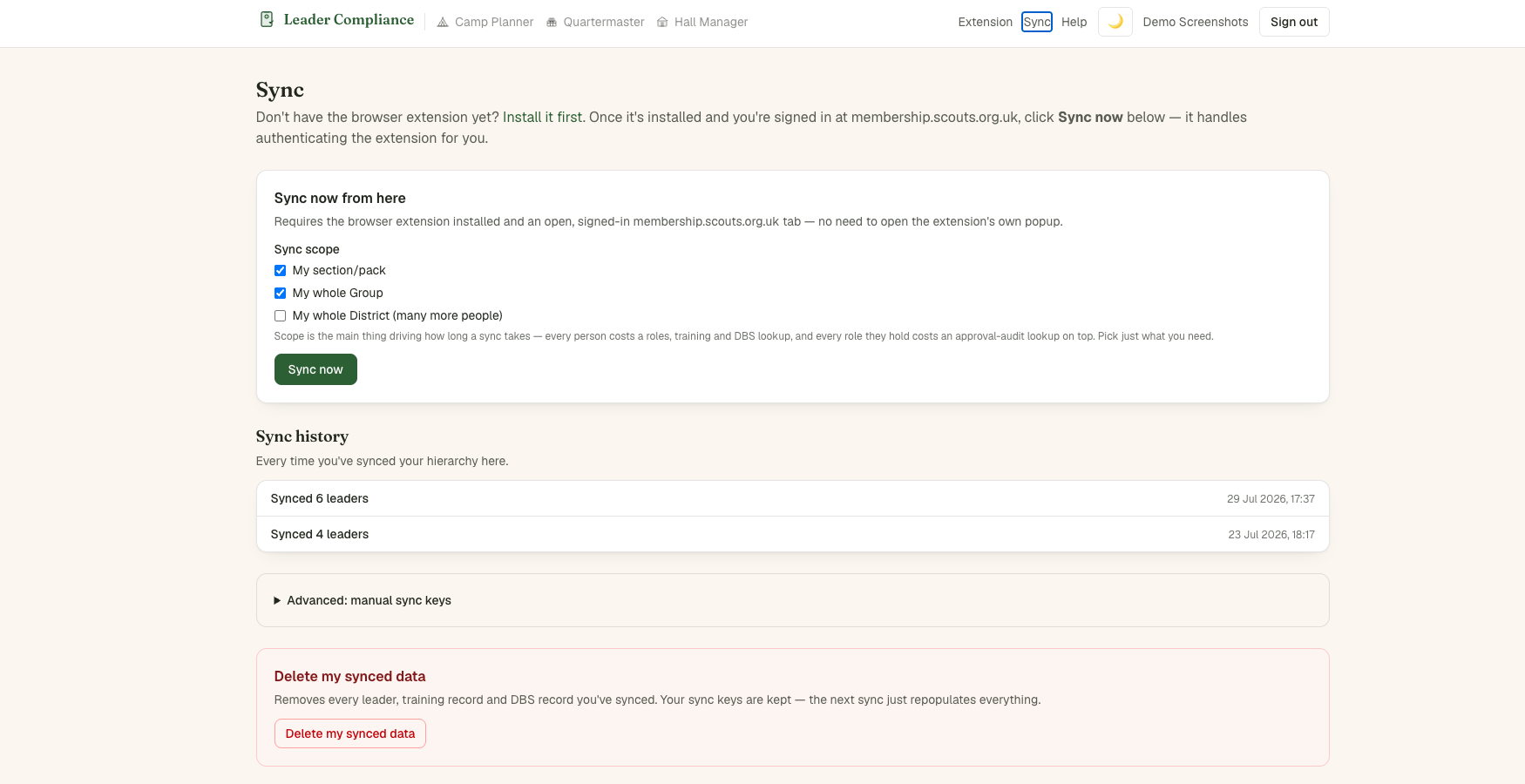
Running a sync
With the extension installed and membership.scouts.org.uk open and signed in somewhere in your browser, you can sync two ways: click the extension's own icon and hit Sync now, or — without opening the extension at all — click Sync now on the Sync page here (it mints a one-time key and hands it to the extension automatically, so you never see or manage one). Both do exactly the same work.