Roster & attendees
Add young people, young leaders and adults to a camp's roster, with their section, patrol/Six/Lodge and date of birth. A parent self-service form lets parents fill in their own child's details and give consent, rather than a leader typing it all in by hand — send the link and the roster fills itself in as parents respond. The People registry (under your group, not a specific camp) lets you reuse a young person's details across multiple camps instead of re-entering them each time — CSV roster import and syncing from OSM both connect to it too, so the same young person is recognised across camps rather than getting a duplicate entry each time.
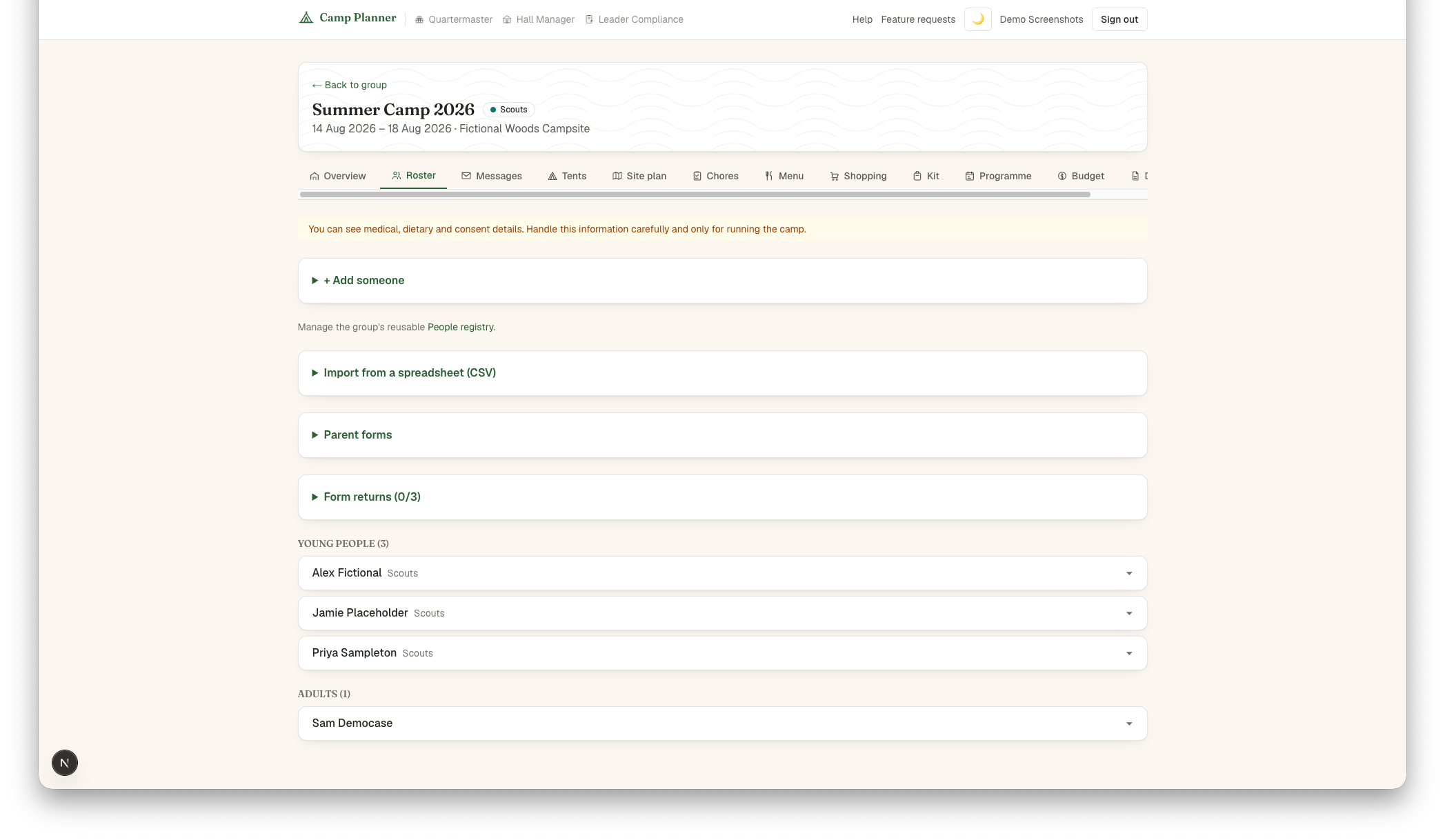
Not everyone needs to be there for the whole camp — set an arrival and/or departure date on an attendee to record a late arrival, early departure or single-day visit. Leave both blank for the common case (there the whole time). The Overview tab shows a day-by-day headcount once anyone on the roster has one of these dates set.